Appearance and licensing
Open Settings from the navigation rail. In Appearance, choose System, Light, or Dark. In Licensing, inspect your current plan and use Refresh Store license if an expected Pro pass is not reflected.
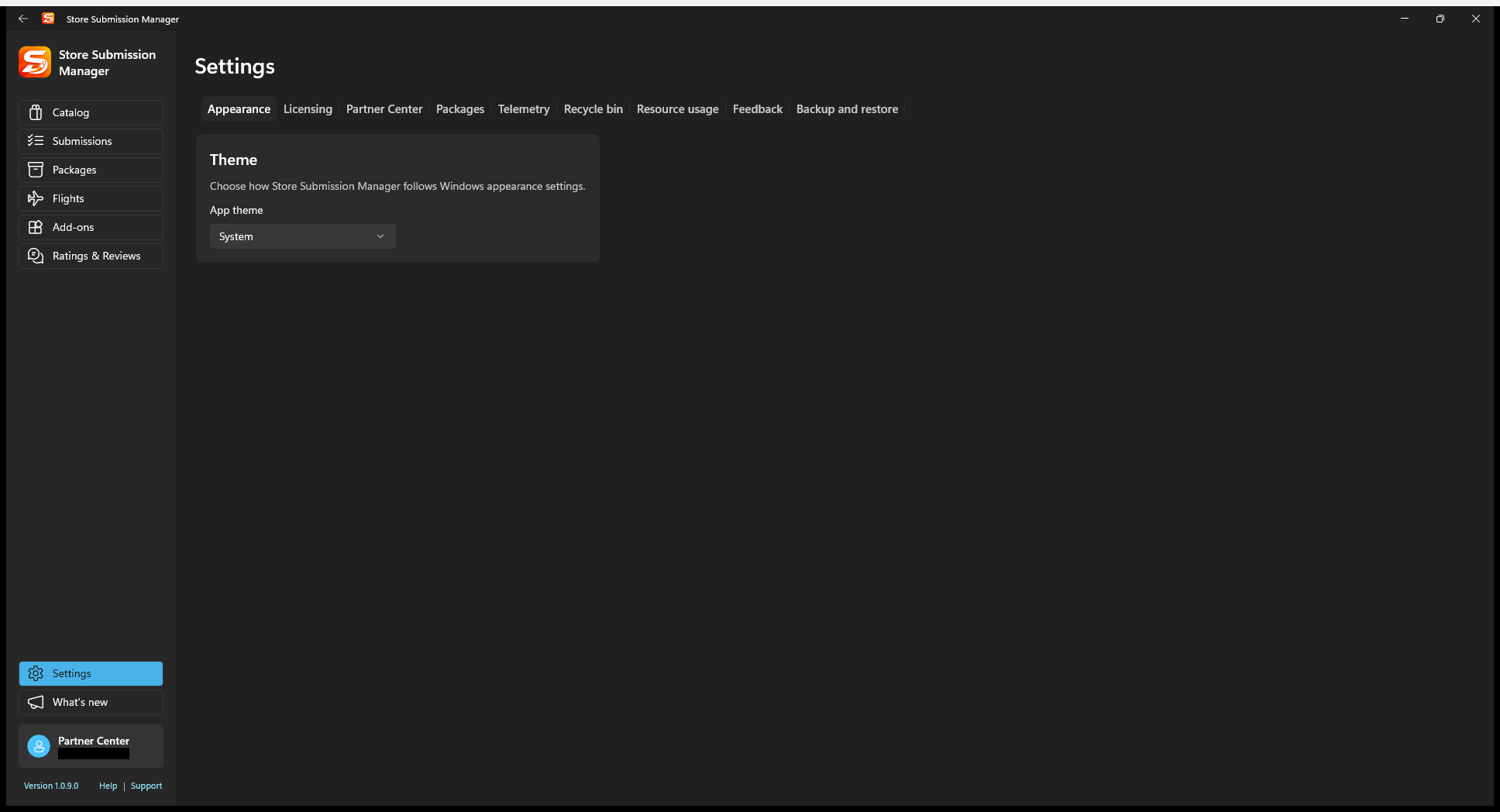
Store licensing uses the Microsoft Store account on the device. Partner Center credentials select the developer account used for product management; these are different account contexts.
Manage the products shown in SSM
- Open Settings > Partner Center.
- Refresh the available products if the catalog has changed.
- Select which products SSM should manage. A hidden product may simply be unselected, not deleted.
- Return to Catalog or the product-specific workspace and refresh as needed.
Use this first when a newly reserved product is missing. If it still does not appear, check the connected account, supported product type, and access permissions.
Package storage
In Packages, choose an external repository folder or app-local storage. Read the location/availability status before relocating or deleting anything. See the package repository guide for retention, account isolation, and reuse.
API cache, history, and diagnostics
Use the Partner Center settings for the API cache toggle and Clear cache now. Cached non-mutating responses reduce repeat requests; mutations invalidate affected cached data. Status-sensitive screens also provide refresh actions that request a fresh API result.
Clearing the cache is different from clearing drafts or package files. It does not clear upstream Microsoft reporting delays. For API history, use its retention control to limit local diagnostic records; history retention is not the same as durable release-history retention.
In Telemetry, review necessary diagnostic collection and the separate optional usage choice. Review any diagnostic content before sharing it. Never paste client secrets, tokens, certificate private keys, or full sensitive request content into support messages.
Resource usage provides a place to inspect local resource use in builds that include it. Debug-only demo/feature controls are not customer release capabilities.
Feedback and support
Open Feedback to use the manual Store review entry point. It offers leaving a review or revising a previous rating based on what SSM knows locally; it does not query a complete record of your review activity in Microsoft Store.
For an app problem, choose Contact support / Support and review the diagnostic consent. Follow the support guide for the complete flow.
Before clearing or resetting data
Clear local drafts, reset current login data, reset all app-local data, deleting a repository, and clearing the recycle bin are not interchangeable. Preserve useful draft work and locally observed history before confirming any reset.
Review Recycle bin entries carefully before restoring or permanently removing records. Do not publish screenshots of deleted-item JSON that contains private product data.
If the Backup and restore preview is available, export your workspace first and keep package binaries separately. A cache refresh is usually the narrower troubleshooting action when the issue is stale API data.